Logo QR Code & Branded QR Codes: Complete Design Guide
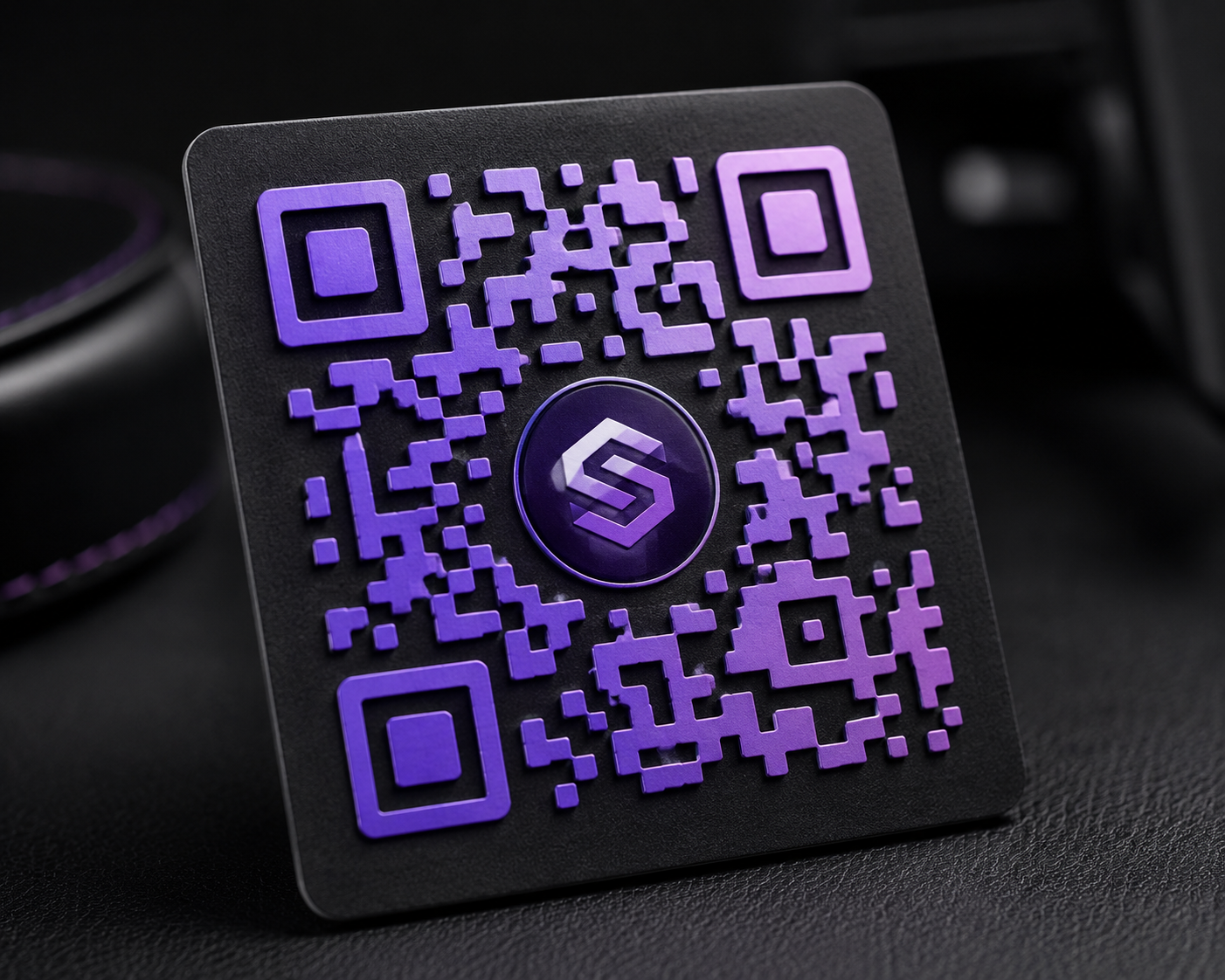
Can You Really Put a Logo on a QR Code?
Yes — QR codes are built with error correction that allows part of the code to be obscured or replaced without breaking the scan. A logo placed in the center uses up some of that error correction "budget," so the rest of the design needs to compensate to keep it reliable.
Rules for Adding a Logo Without Breaking Scanability
- Keep the logo small — generally no more than 20-25% of the total code area
- Use high error correction — this reserves extra redundancy specifically so a logo can safely cover the center
- Add a white background behind the logo — a clean boundary between the logo and the QR pattern prevents scan confusion
- Test on multiple phones — some older or budget-model camera scanners are less forgiving than premium phones
Color & Gradient QR Codes
Custom colors work as long as contrast is maintained — the code's "dark" modules need to stay clearly darker than its "light" modules and background. Gradients are fine when they're subtle; avoid gradients that shift from very light to very dark within the same module area, since that can confuse the scanner about which pixels are "on" or "off."
Shape Options: What's Safe and What Isn't
Square, rounded, and circle module shapes preserve the geometric structure scanners expect and stay reliable. Decorative shapes — hearts, stars, dots, leaves — distort that structure and can reduce scan success, especially at smaller sizes or on lower-quality scanners. Reserve decorative shapes for codes with a low scanning-stakes use case, like a wedding favor, and stick to the reliable shapes for anything business-critical.
Quick Checklist Before You Print
- Test-scan the final design with at least two different phone models
- Confirm the logo doesn't cover the three corner "eye" markers
- Check contrast in both bright and dim lighting conditions
- Print a physical test copy at the actual size you'll use before a full print run