BACK TO BLOGDecember 22, 20240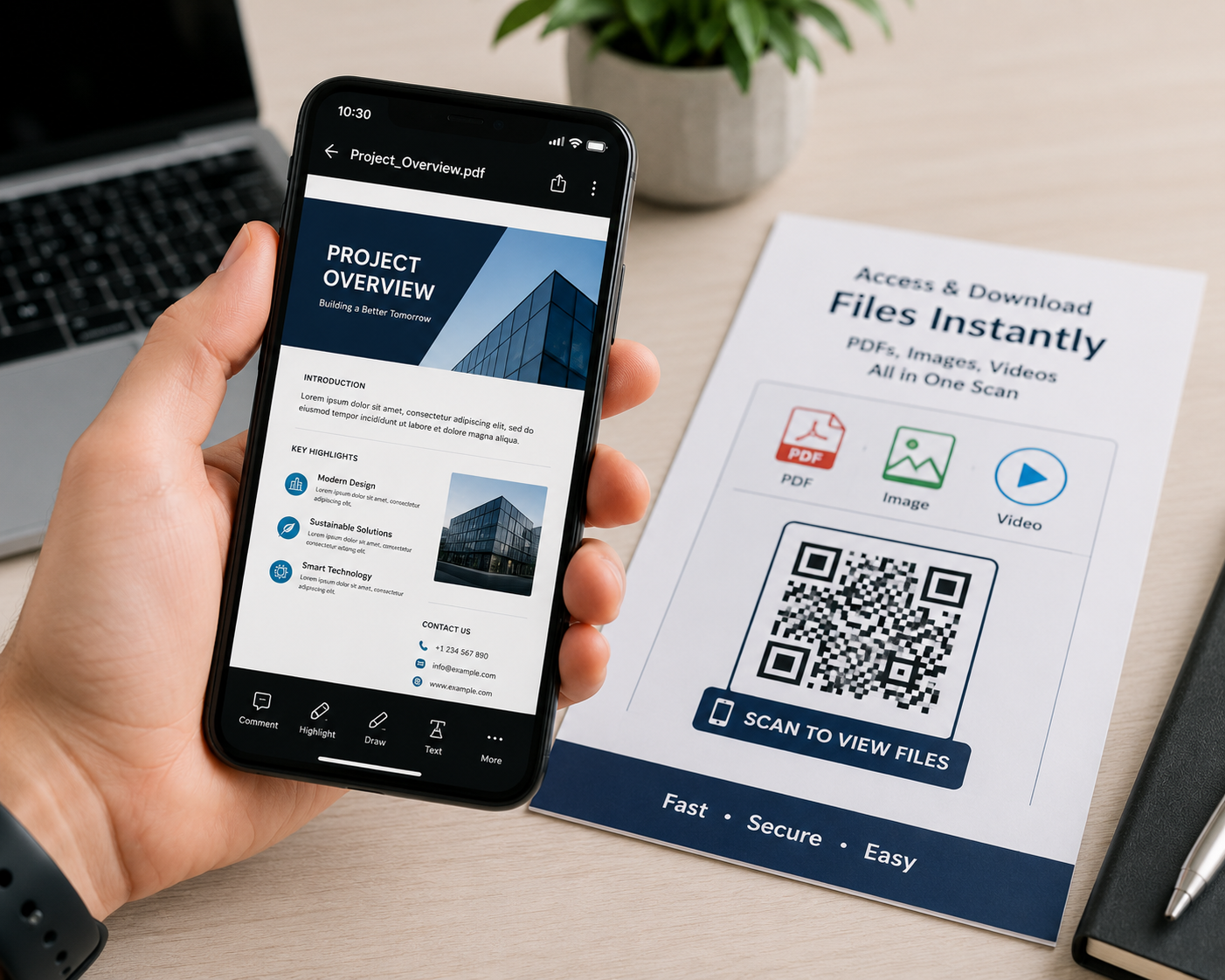
GUIDES·5 MIN READ
How to Add a QR Code to PDF, Image, or Video Files
MC
Mike ChenPDF QR CodeImage QR CodeVideo QR CodeFile Sharing
Why Use a QR Code for File Sharing?
Large file attachments bounce out of inboxes, get compressed by messaging apps, or simply take too long for someone standing in front of a printed flyer to download over email. A file QR code links directly to a hosted version of your PDF, image, or video — no attachment required.
Common Use Cases
- PDF QR codes — product manuals, spec sheets, menus, event programs
- Image QR codes — high-resolution photos, certificates, infographics
- Video QR codes — how-to guides, product demos, testimonials embedded on packaging
- Audio/MP3 QR codes — podcasts, voice messages, or audio guides at museums and exhibits
How It Works
The QR code doesn't store the file itself — it stores a link to where the file is hosted (your website, Google Drive, or a dedicated file host). Scanning the code opens that link directly, prompting a view or download depending on the file type and device.
Tips for Reliable File QR Codes
- Host the file somewhere permanent — a broken link makes the QR code useless
- Use a direct file link rather than a page requiring extra clicks to reach the file
- For large videos, link to a hosted player (YouTube, Vimeo) rather than a raw video file that's slow to download
- Test the scan-to-open flow on both iOS and Android before printing at scale
SHARE