Transparent, High-Quality QR Code Downloads: PNG vs SVG vs PDF
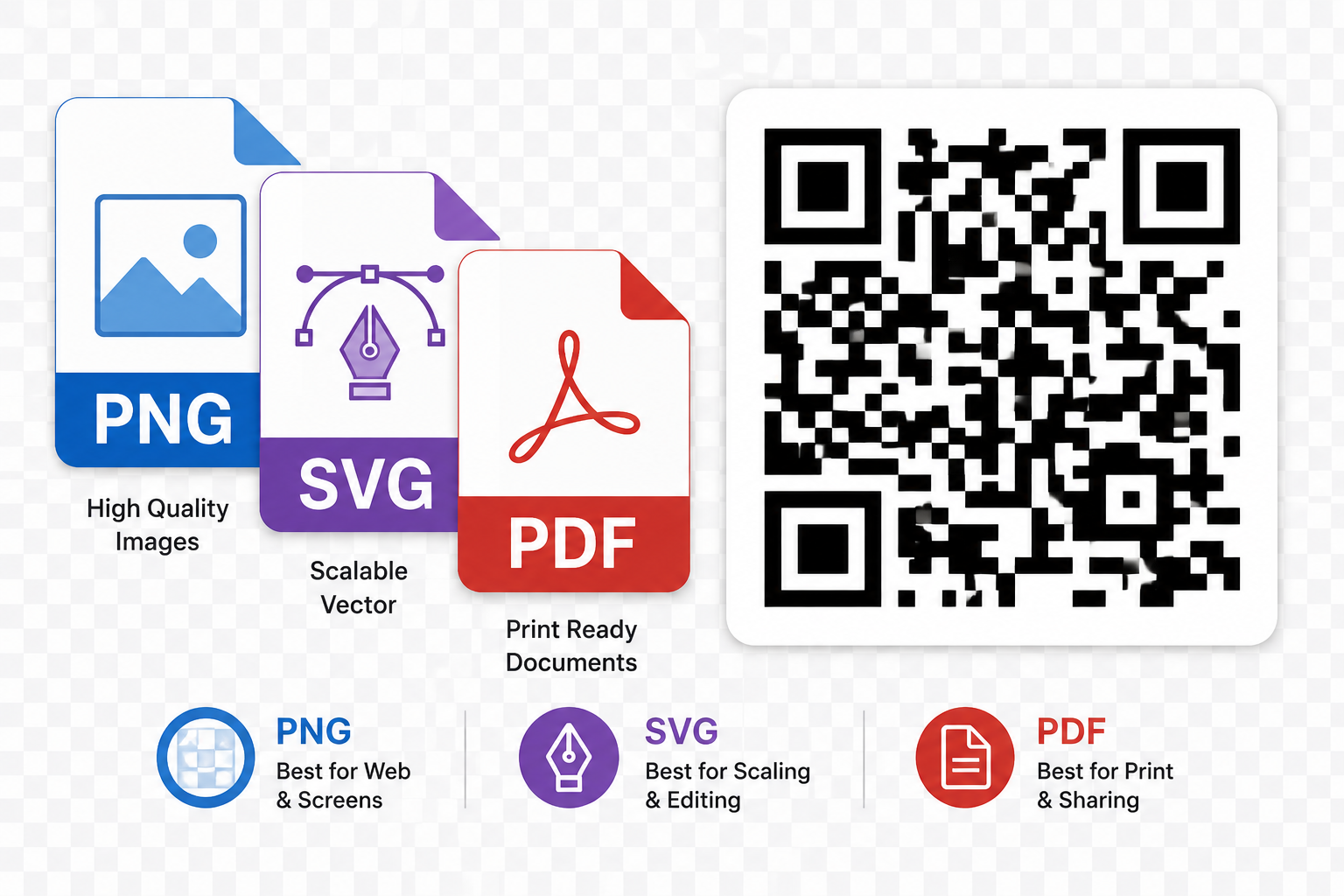
PNG: Best for Digital Use
PNG is a raster (pixel-based) format, ideal for websites, email signatures, and social media posts. It supports transparent backgrounds, which is useful when placing a QR code over a colored background or image. The tradeoff: enlarging a PNG beyond its original resolution causes blurring or pixelation.
SVG: Best for Print at Any Size
SVG is a vector format — it's built from mathematical shapes rather than pixels, so it scales to any size, from a business card to a building banner, without losing sharpness. If you're printing your QR code large or aren't sure what final size you'll need, SVG is the safest choice.
PDF: Best for Professional Print Workflows
PDF is the standard format print shops expect. It preserves vector sharpness like SVG while also being universally compatible with design software and commercial printers, making it the right choice when sending a QR code file to a professional printer for posters, packaging, or signage.
JPG: When to Avoid It
JPG uses lossy compression, which can introduce subtle artifacts around sharp edges — exactly the kind of detail a QR code depends on. It also doesn't support transparency. Generally, avoid JPG for QR codes unless a specific platform requires it.
Quick Format Guide
- Website or app → PNG
- Large poster or banner → SVG
- Sending to a professional printer → PDF
- Overlaying on a colored or photo background → PNG with transparency