BACK TO BLOGJanuary 4, 20250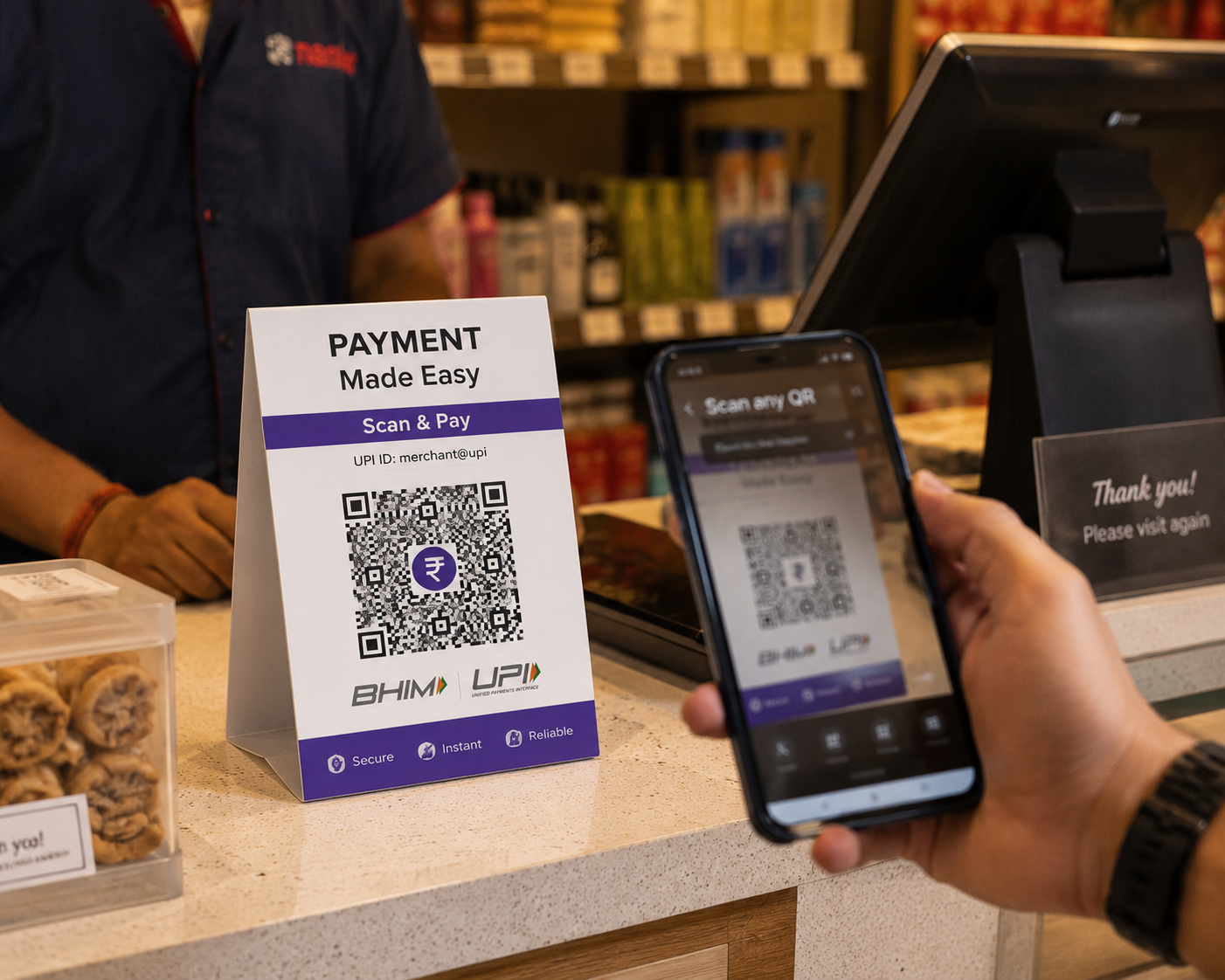
BUSINESS·5 MIN READ
UPI QR Code Generator: Accept Payments Instantly
ER
Emily RodriguezUPI QR CodePayment QR CodeBusiness
What is a UPI QR Code?
A UPI QR code encodes your bank account or UPI ID so customers can pay you directly through any UPI-enabled app — Google Pay, PhonePe, Paytm, or their bank's own app. There's no POS hardware, no card swipe fees, and money lands in your account within seconds.
Why Small Businesses Are Switching to QR Payments
- Zero setup cost — no card machine to rent or buy
- No transaction fees — unlike card payments, UPI transfers are typically free
- Instant settlement — funds arrive in your account immediately, not after a multi-day processing delay
- Works for any amount — from a ₹20 tea stall sale to a large invoice payment
Static vs Amount-Locked UPI QR Codes
You can generate a UPI QR code two ways: a general code that lets the customer enter any amount (ideal for a shop counter where prices vary), or an amount-locked code for a fixed price — useful for a single product listing, a donation page, or an invoice.
How to Create a UPI QR Code
- Select "UPI Payment" as your QR code type
- Enter your UPI ID (e.g. yourname@bank) and payee name
- Optionally set a fixed amount
- Download and print at your counter, or add it to invoices
Security Tip
Never scan a UPI QR code to "receive" money — receiving payments doesn't require scanning anything. This is a common scam pattern; only scan a UPI QR code when you are the one paying.
SHARE